
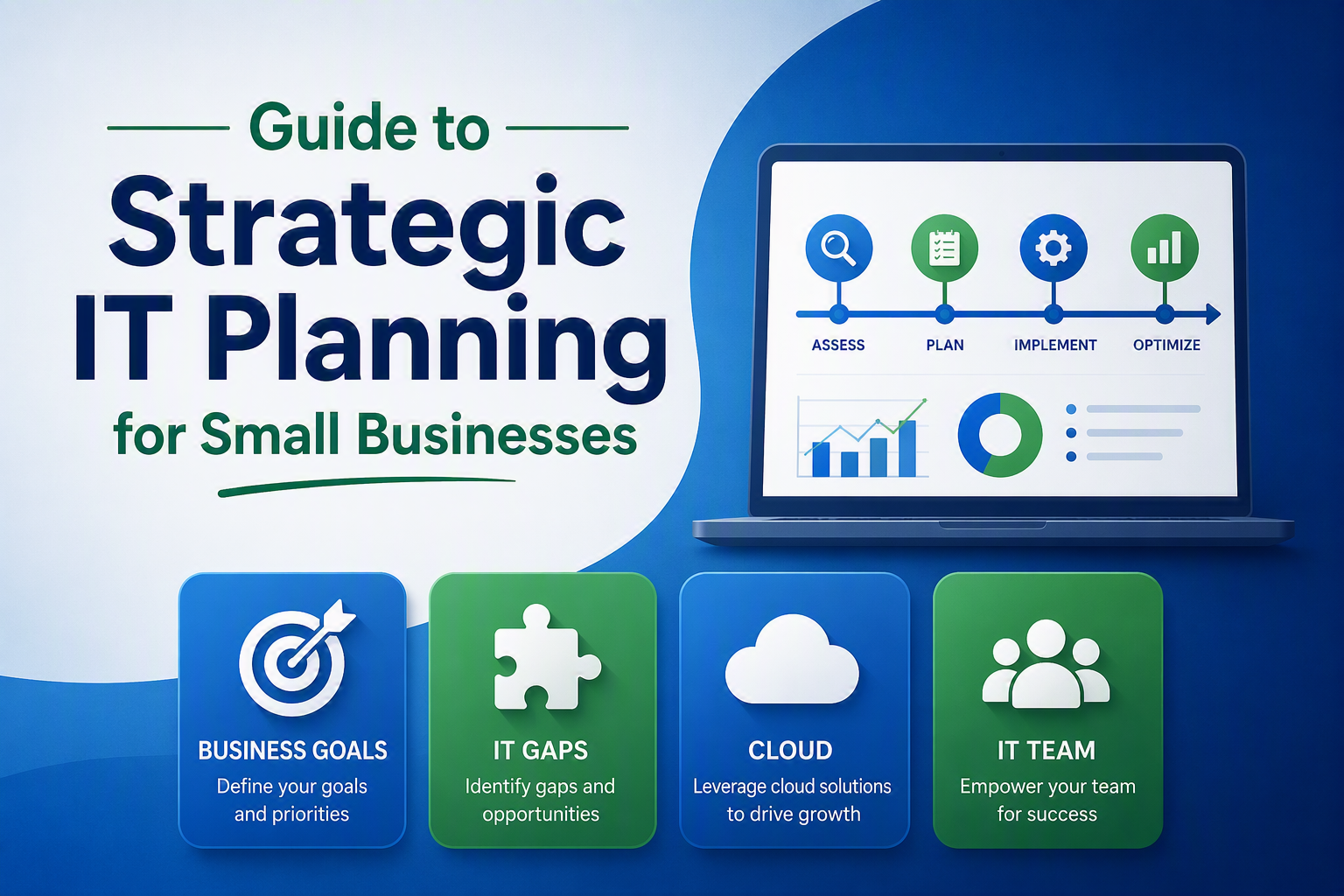
What You’ll Learn: If you’re a small business owner, this CRU Solutions guide will help you create an IT strategy that supports growth, improves cybersecurity, reduces unexpected technology costs, and prepares your business for the future. You’ll learn how to identify technology gaps, address technical debt, plan your IT budget, evaluate cloud and cybersecurity needs, and determine whether your current IT provider is still the right partner for your business.
Strategic IT planning for small businesses is the process of aligning technology investments, cybersecurity, support services, and IT decision-making with business goals to improve efficiency, reduce risk, and support future growth. An effective IT strategy includes gap analysis, technology budgeting, lifecycle planning, technical debt reduction, and long-term IT support planning.
We still meet small business owners who approach IT reactively. They only replace equipment when it fails, upgrade software when there’s no other choice, or address security concerns only after they become urgent. They may even stay with an IT provider who no longer has the technical or people skills to serve their business but believe that staying is easier than the perceived risk of making a change.
We recommend a different approach. Start by creating a technology strategy that supports your business goals, regularly evaluate your environment, and work with knowledgeable people (who you actually like) to help you plan for the future.
Whether you’re starting from scratch or evaluating if your current IT partner is “still the right guy”, this guide can help.
Why Strategic IT Planning Matters for Small Businesses
You may believe that strategic IT planning is a waste of time for small businesses because technology changes so quickly. Our view is the exact opposite. Done correctly, the planning you do today will make your IT more cost-effective and resilient down the road.
Unfortunately, some business leaders don’t even want to attempt planning because they’re so used to making IT decisions one problem at a time. Maybe a server fails, a computer breaks, or a software application becomes unsupported, forcing an unplanned upgrade. Or worse, your business faces a ransomware attack and your only choice is to respond on the fly. Issues like these result in downtime, unexpected costs, and potential reputational damage.
In our opinion, planning will always serve your organization better than a series of unconnected, quick fix changes.
Yes, technology changes rapidly and it can be hard to keep up with new terminology and service approaches.
But whenever you can, make informed decisions so that the dollars you spend today will support the tech decisions you’ll make one year, three years, or if you’re lucky, even five years from now. The right IT firm will help guide your planning and provide regular reviews (we recommend annually) to keep everything on track.
Building A Strong Foundation
Define Your Business Goals
Effective technology planning starts with understanding where your business stands today and your goals for the future.
Consider your business goals for the next few years. For example:
- What impact will AI have on your business?
- Will your staffing levels be changing?
- Is your office moving?
- Is an on-premise server still necessary or does moving to cloud services make better sense?
- Where does your team work (at home, on the road, in the office, a combination) and what security issues need to be addressed as a result?
- How knowledgeable is your team about cybersecurity awareness? What tools would help them make safer decisions online?
- What cyber liability insurance or compliance requirements must your business meet?
Answers to questions like these will influence the IT decisions you make.
When technology decisions are aligned with business goals, your organization will be well positioned to:
- Improve operational efficiency
- Support growth without significant disruption
- Strengthen cybersecurity
- Reduce unexpected expenses
- Improve employee productivity
- Create better customer experiences
- Adapt more quickly to changing business conditions
Assess Your Current Technology and Identify Gaps
You may assume your IT environment is functioning adequately simply because employees can log in, access email, and perform their daily tasks. However, beneath the surface, there may be aging computers, security vulnerabilities, and missed opportunities.
Gather as much information as you can about your current technology infrastructure and processes, including network diagrams, asset inventories, and security assessments. Review any existing plans as well, including your cyber incident response and disaster recovery plans.
Now evaluate the data to identify what’s working and what isn’t. What works perfectly? What’s frustrating? What influences beyond your control (like software end-of-life) will have an impact?
In our experience, there’s almost always room for improvement. These areas are known as technology gaps.
Sometimes the gaps are obvious, like knowingly running outdated software or dealing with slow hardware or unreliable internet connectivity. Other times they’re less visible, such as failing backups or ineffective patching.
Once you identify the gaps, prioritize which ones to fix first based on risk, business impact, and budget.
In the IT world, red lights are generally “bad” and green lights are “good” (we’re still waiting for a yellow “caution” light – maybe someday). With that in mind, we recommend prioritizing remediation steps in red, yellow, and green categories.
You’ll need to take some actions immediately, while others may be rolled out over several years.
Plan to Reduce Technical Debt Before It Becomes a Crisis
Technical debt develops when businesses delay upgrades, postpone maintenance, continue using outdated software, or choose temporary solutions instead of sustainable ones. Many organizations unknowingly accumulate technical debt over time.
While these decisions may appear to save money in the short term, they often create larger challenges later, including:
- Increased cybersecurity risk
- Higher support costs
- Compatibility issues
- More downtime
- Expensive emergency projects
Successful planning will include approaches to help you reduce technical debt. The longer technical debt remains unresolved, the more difficult and costly it becomes to address.
Implement and Support
Once you’ve established a strategic foundation, consider the best way to bring your plan to life. It’s time to weigh options, begin to establish budgets, and create a timeline to take action, including determining if your current IT support can implement and support the new plan.
Choosing the Right IT Support to Achieve Your IT Goals
You may discover that the technology and knowledge you need, especially around cybersecurity, requires more expertise than you currently have. This is the time to be brutally honest about your current in-house capabilities (which may be someone on staff who does IT because they have an interest but it’s secondary to their “regular” job) or your current outside IT support (maybe you’ve outgrown their skills or need a larger team).
Here are a few things to remember if you’re considering choosing a new managed IT services provider.
The Cloud Doesn’t Eliminate IT Responsibilities
Up to 63% of small businesses use some cloud-based services, and many think their need for IT support goes away along with their on-premise server. In reality, moving “everything” to cloud services means IT responsibilities change, but they do not go away.
Even when applications are hosted by Microsoft or another provider, your business will still need support in these areas:
- Network Management (you’ll still need firewall, switch and router management)
- Network User Access (permissions, adding users, etc.)
- Microsoft 365 Management (numerous M365 security and user settings need to be established and maintained)
- Backup Services (including M365 and individual workstations)
- Asset Management
- Hardware and Software Updates
- User Support (help desk, cybersecurity training, etc.)
- Planning and Budgeting Advice
Make sure your IT firm has the technical skills and experience to help you use cloud services most effectively to support your business goals.
Why Small Businesses Switch IT Providers
Few business leaders look forward to changing IT firms. Even under the best circumstances, transitions are disruptive.
The need to switch can come because your business has evolved or your IT company has changed. Maybe you’ve been with an IT firm for a long time, but the people you worked with have left. Maybe your IT firm was acquired, negatively affecting the relationship. In the case of an egregious security error, there’s little choice but to switch.
Here are other reasons prospective clients have given us for switching their IT provider. Do any of them sound familiar?
- Unexpected Costs (being told unexpectedly that the ONLY option to address key issues was a new, $30k on-premise server)
- Staff Frustration (slow response times and poor communication)
- Disruptive Tech Deployed Without Warning – This was a shocker, and fortunately, rare. An IT provider blocked all email access to certain geographic locations without approval, causing significant customer service issues
- No Clear IT Plan or Direction – There’s that need for planning again.
- Weak Documentation – No accurate picture of their current IT environment makes planning difficult.
Choosing the Right IT Provider
Ultimately, the decision comes down to you and your team about whether you need to switch, and if you do, how to approach the change. Your strategic planning will help you choose a managed services provider that’s right for you.
Every business wants knowledgeable service, quick response times, and low costs. Unfortunately, you’re unlikely to find all three of these in the same firm.
The truth is firms that compete primarily on price may not have the staff, processes, and expertise necessary to deliver high-impact strategic or cybersecurity services. Likewise, highly customized service models typically require greater investment. The key is understanding which factors matter most to you and choosing a provider whose approach aligns with your priorities.
Also, don’t underestimate the importance of solid people skills. Does the firm prioritize communicating well with employees at every level of your organization? Would you feel comfortable calling them, or would you dread the interaction? This may seem “squishy”, but it can determine whether the effort to switch providers leads to a successful, long-term relationship or whether you find yourself searching again in six months.
What is their approach to business overall and to IT specifically. Would you trust them and be comfortable following their recommendations? After all, every proposed project, software upgrade, or security enhancement comes with costs and operational considerations.
A strategic, trustworthy IT firm should be able to clearly explain:
- The business reason behind the recommendation
- The risks of delaying action
- The expected benefits
- The implementation process
- The projected costs
Recommendations should always align with your business goals rather than simply introducing new technology for its own sake.
Bringing Strategic IT, Services, and Support Together
Strategic IT planning for small businesses isn’t about buying the newest technology or spending more on IT. It’s about making smarter decisions that support business growth, improve efficiency, and reduce risk.
Start by understanding your current environment. Identify technology gaps. Address technical debt. Create your timeline and budget. Then make sure you have the right support structure and the right technology team to execute that vision.
With the right strategy and the right team, your technology can support not only today’s needs but also the opportunities that lie ahead.
Want to know more about CRU Solutions IT strategy services? Contact us!
Frequently Asked Questions About Strategic IT Planning for Small Businesses
What is strategic IT planning?
Strategic IT planning is the process of aligning your technology, cybersecurity, IT support, and technology investments with your business goals. It helps businesses make informed decisions about technology spending, reduce risk, and create a roadmap for future growth.
Why is strategic IT planning important for small businesses?
Strategic IT planning helps small businesses align technology decisions with business goals. Instead of reacting to problems as they occur, businesses can proactively identify technology gaps, reduce technical debt, strengthen cybersecurity, and budget for future needs. By planning ahead and working with the right IT partner, small businesses can create a more resilient foundation for long-term success.
How often should a small business review its IT strategy?
We recommend reviewing your IT strategy at least annually. Regular reviews help ensure your technology continues to support business objectives, addresses emerging cybersecurity threats, accounts for software and hardware lifecycle changes, and adapts to changes within your organization.
What is technical debt and why should I be concerned about it?
Technical debt occurs when businesses delay upgrades, postpone maintenance, continue using outdated software, or rely on temporary fixes instead of long-term solutions. Over time, technical debt can increase cybersecurity risks, create compatibility issues, raise support costs, and lead to expensive emergency projects.
What are the signs that my business has technology gaps?
Common indicators include outdated hardware, unsupported software, recurring downtime, slow systems, failed backups, inconsistent security practices, poor documentation, and employee frustration with technology. A technology assessment can help identify and prioritize these gaps.
Does moving to the cloud eliminate the need for IT support?
No. Cloud services change IT responsibilities, but they do not eliminate them. Businesses still need support for network management, user access controls, Microsoft 365 administration, backups, cybersecurity, hardware lifecycle planning, employee support, and ongoing technology strategy.
How do I know if it’s time to switch IT providers?
Signs it may be time to evaluate a new IT provider include poor communication, slow response times, unexpected costs, weak documentation, a lack of strategic guidance, recurring technology issues, or concerns about cybersecurity expertise. Your IT provider should help you plan for the future, not simply react to problems as they arise.
What should I look for when choosing an IT support provider?
Look for a provider that combines technical expertise, responsive service, strong communication skills, and a strategic approach to technology planning. A good IT partner should be able to clearly explain recommendations, associated risks, expected benefits, implementation timelines, and costs while ensuring every recommendation aligns with your business goals.